Posted in Design

Making it in the REAL World

Article:

https://uxdesign.cc/10-questions-every-design-student-needs-to-answer-right-now-2ab9755cca30

This article makes me reflect on my time and experience from when I first starting designing to present day. I was very ambitious designer and had started in high school, I didn’t learn any elements or principles until I was in college having my art dismantled on critique days. Every year was an eye opener and things that helped my designing I carried with me onto the next year. My aunt, who is also a graphic designer, advised me when I first started, “It’s all about the experience.” A degree can help you get in the design business but experience and skill is what sets you a part. Even though I currently have a job in design, that doesn’t mean I can’t continue to improve my skills and keep my creative mind fresh. Many of these questions that the writer had asked his students I had found myself already answered due to where I am currently. However, his main point that I agree with is we are more than our major, design is such a diverse field and as a designer, we each can bring something to the table.

Seeing The Development:
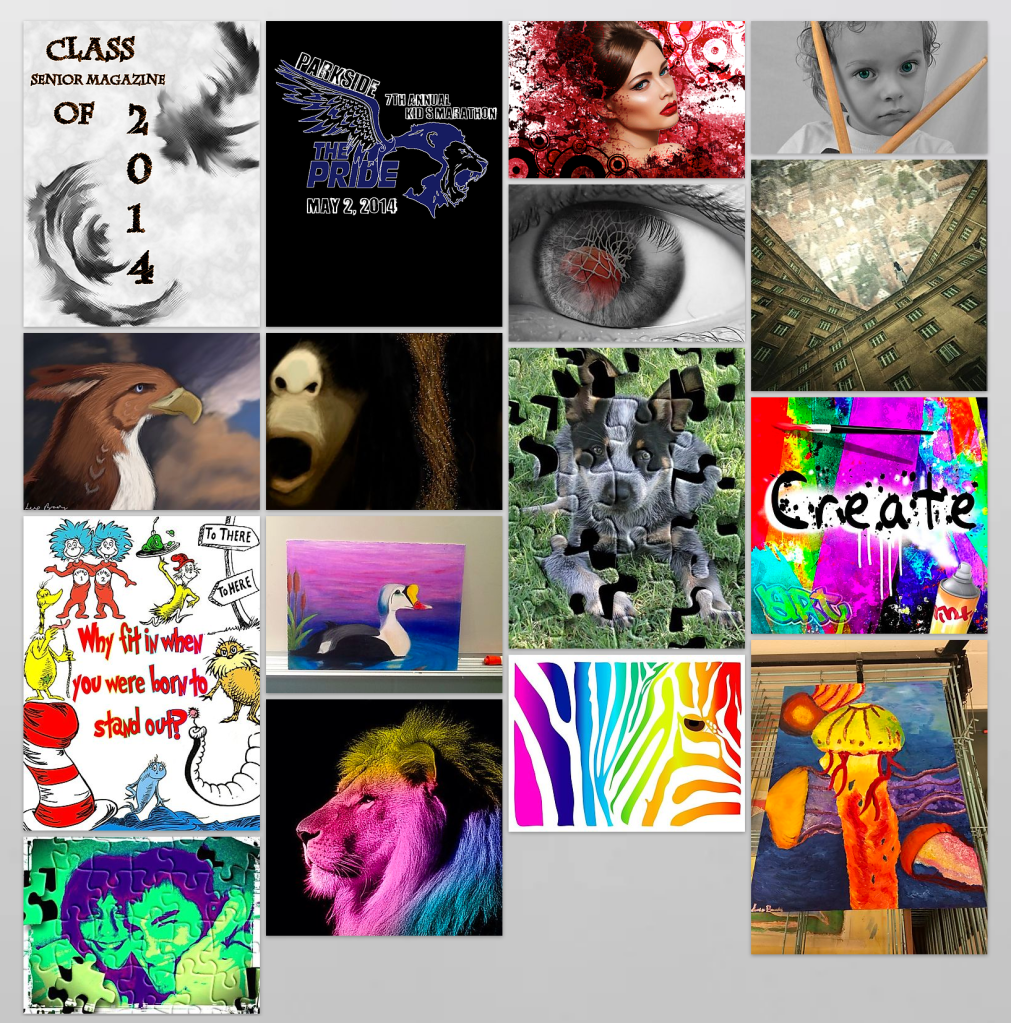
My first works: Baby steps
Posted in Design

Helpful Tutorials: Photoshop and Illustrator 19′

These basic tips, tricks and hacks are all something I eventually learned while using Photoshop. This video is a good refresher for those comfortable in the program and also beginners who are just getting started! I even learned some new things about the updated tools Adobe added that I never knew about.

Anybody from novice to pro should know how to remove a background or make a clean selection. Photoshop throughout the years, have made the selection tools smarter.

Similar to the Photoshop tips video above, this one is focused on Illustrator. Again, anybody using the program would find this helpful if not previously known.

This tutorial I visit often because I forget about the uses of the pathfinder tools on illustrator and if used correctly, I don’t have to find a vectored shape online. Also making outside elements compound paths and uniting other paths I do at work when getting a design ready to print. Pathfinder is a basic tool that any novice should know when in Illustrator besides the tracing and pen tool options. The author makes clear and precise examples in demonstrating the functions of each pathfinder.

Posted in Design

My Top Ted Talks:

I had a couple Ted Talk videos I had found that I wanted to share and found resourceful for any anybody including art/design individuals.

Jinsop Lee: Design for all 5 senses

The first video is designer, Jinsop Lee, discussing his inspiration, designing for the senses methodology. He takes his sunflower clock idea and compares it to his friend’s smelling clock idea. The uncertainly he develops for his own design, causes him to reflect the succession of his peer’s idea. He realizes it appeals and interacts with multiple senses, so he compares it to favorite moments in his life. He concludes that the greater and more popular designs, simultaneously collude with our senses.

Aaron Draplin: Making it in the Little Leagues

Aaron Draplin is a unorthodox graphic designer that discusses his start and how he went from designing for a burrito to his own design company. He is one of my favorite designers because he is very eccentric and does it because it is his passion. I relate to who he is as a person and a designer as I see it in my own works. He mentions a potential book and will be looking forward to buying it!